【网站】wxWidgets: Cross-Platform GUI Library
简介
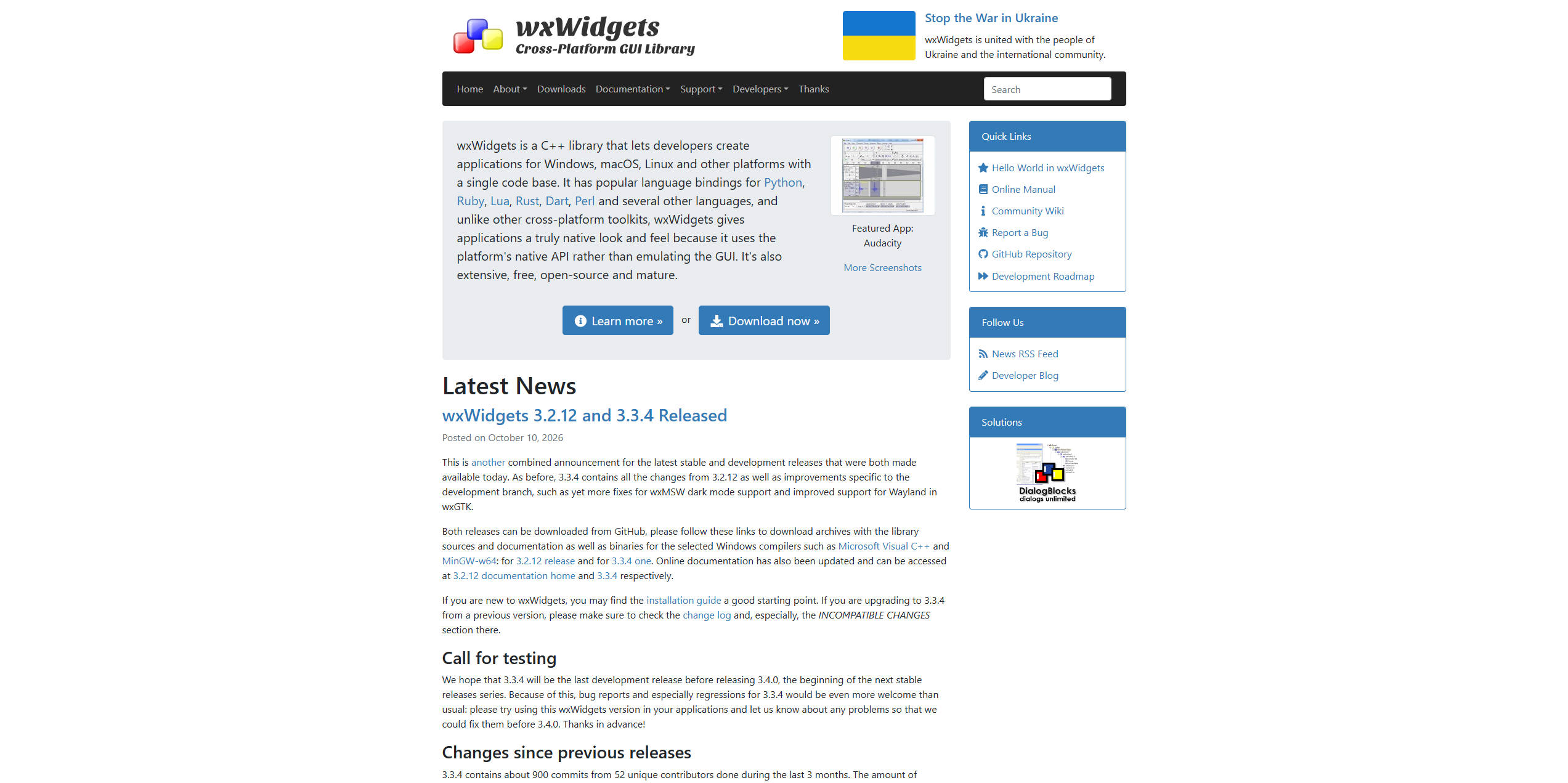
wxWidgets is a C++ library that lets developers create applications for Windows, macOS, Linux and other platforms with a single code base. It has popular language bindings for Python, Ruby, Lua, Rust, Dart, Perl and several other languages, and unlike other cross-platform toolkits, wxWidgets gives applications a truly native look and feel because it uses the platform's native API rather than emulating the GUI. It's also extensive, free, open-source and mature.
wxWidgets 是一个 C++ 库,允许开发人员使用单一代码库为 Windows、macOS、Linux 和其他平台创建应用程序。它为 Python、Ruby、Lua、Rust、Dart、Perl 和其他几种语言提供了流行的语言绑定。与其他跨平台工具包不同,wxWidgets 使用平台的本地 API 而不是模拟 GUI,因此应用程序具有真正的本地外观和感觉。它功能丰富、免费、开源且成熟。
关键词
网站;编程;C++;开源;GUI;UI;桌面应用;
语言
英文;
网址
简评
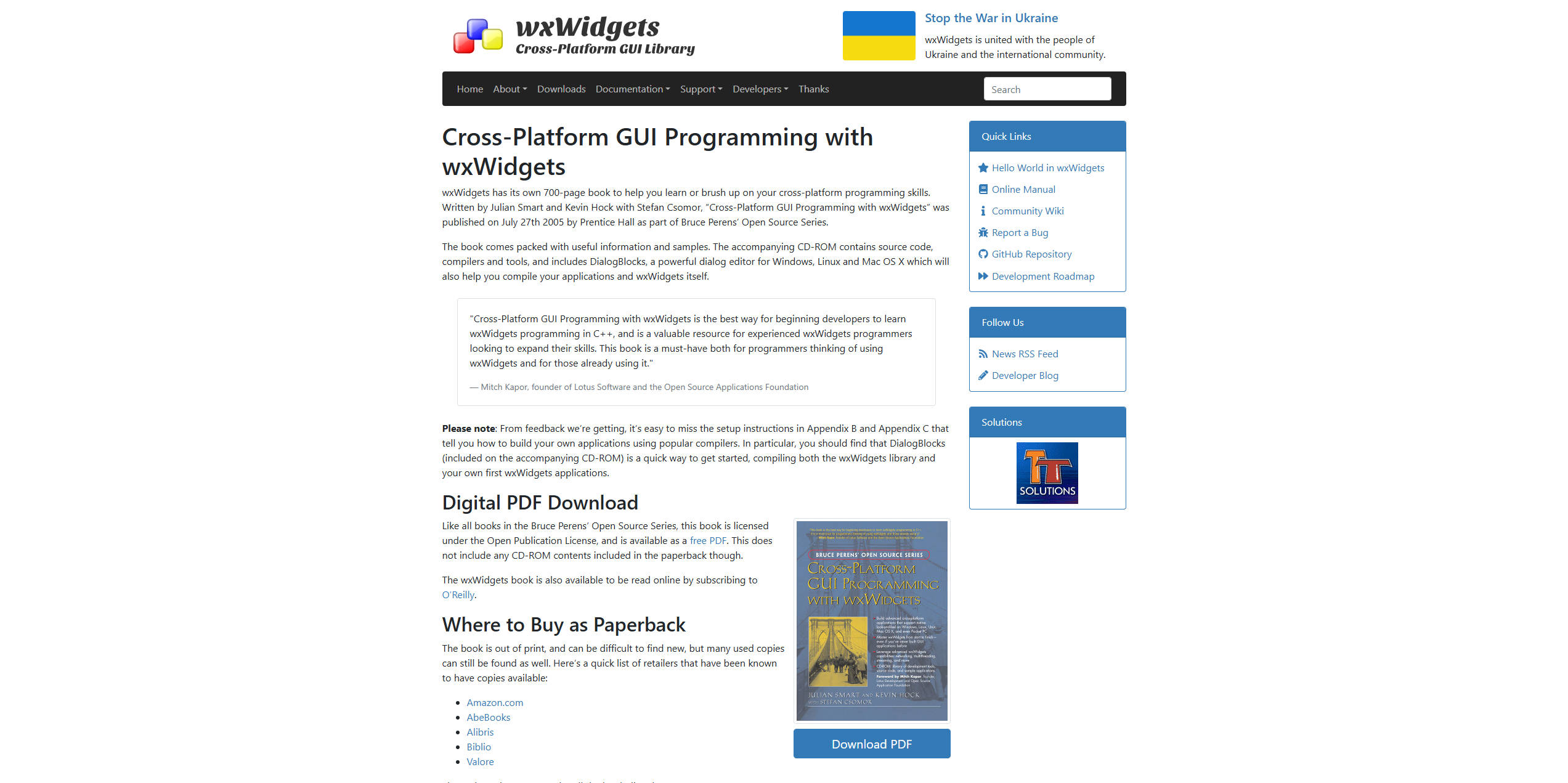
跨平台GUI工具包,用于开发桌面应用。
截图
代码示例
#include <wx/wx.h>

class MyFrame : public wxFrame {
public:
    MyFrame() : wxFrame(nullptr, wxID_ANY, "Hello World") {
        wxButton* button = new wxButton(this, wxID_ANY, "Click Me",
            wxPoint(50, 50), wxSize(100, 30));
        button->Bind(wxEVT_BUTTON, &MyFrame::OnButtonClick, this);
    }

    void OnButtonClick(wxCommandEvent& event) {
        wxMessageBox("Hello World!", "Info");
    }
};

class MyApp : public wxApp {
public:
    bool OnInit() {
        MyFrame* frame = new MyFrame();
        frame->Show(true);
        return true;
    }
};

wxIMPLEMENT_APP(MyApp);
声明
本站部分图片、资源、书籍、软件等内容来源于网络,本站所供资料仅供学习之用,任何人不得将之他用或者进行传播,否则应当自行向实际权利人承担法律责任。因本站部分资料来源于其他媒介,如存在没有标注来源或来源标注错误导致侵犯阁下权利之处,敬请告知,我将立即予以处理。请支持正版。


 晋公网安备14030302000174号 |